Platform
One current record of your company’s work.
philter reads what your team shares — meetings, mail, chats and files — and proposes what changed, quoting the source. Then it briefs each person from the same record.
The real interface
The workspace your team runs on.
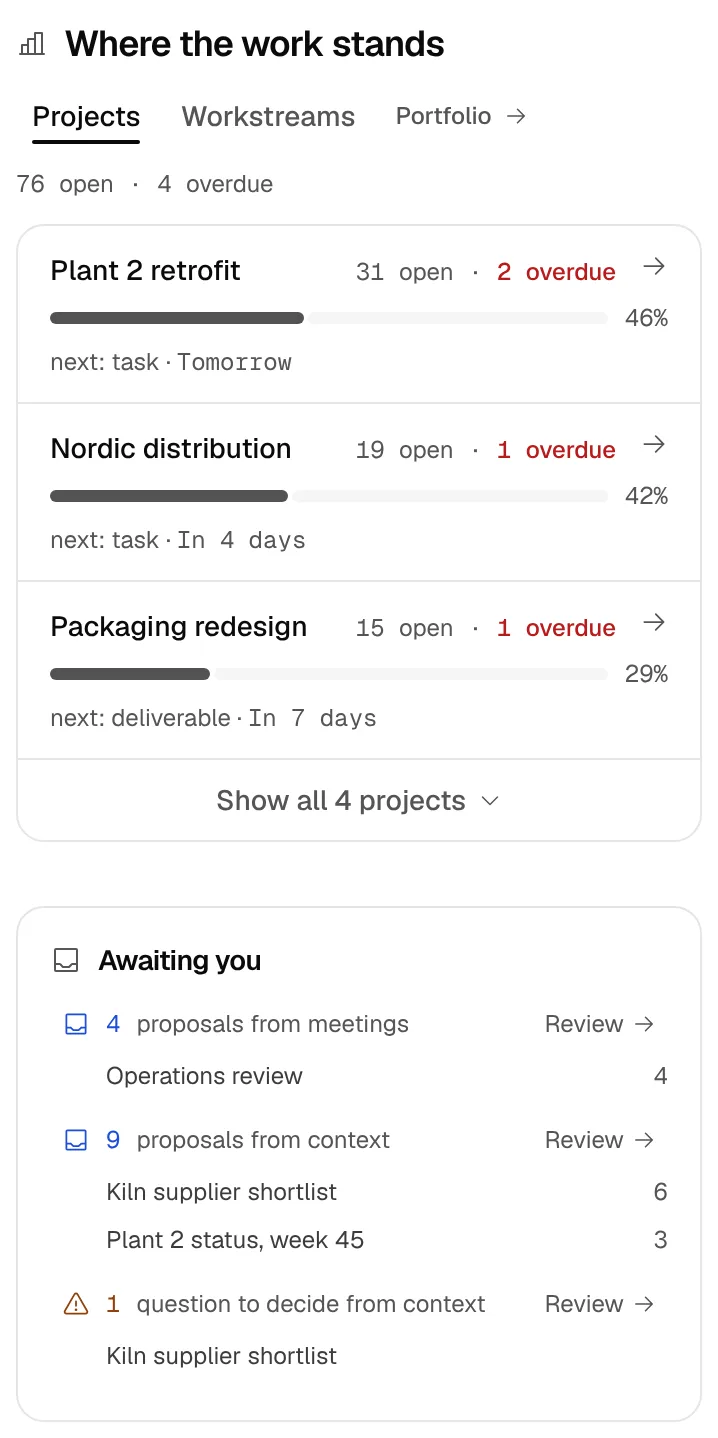
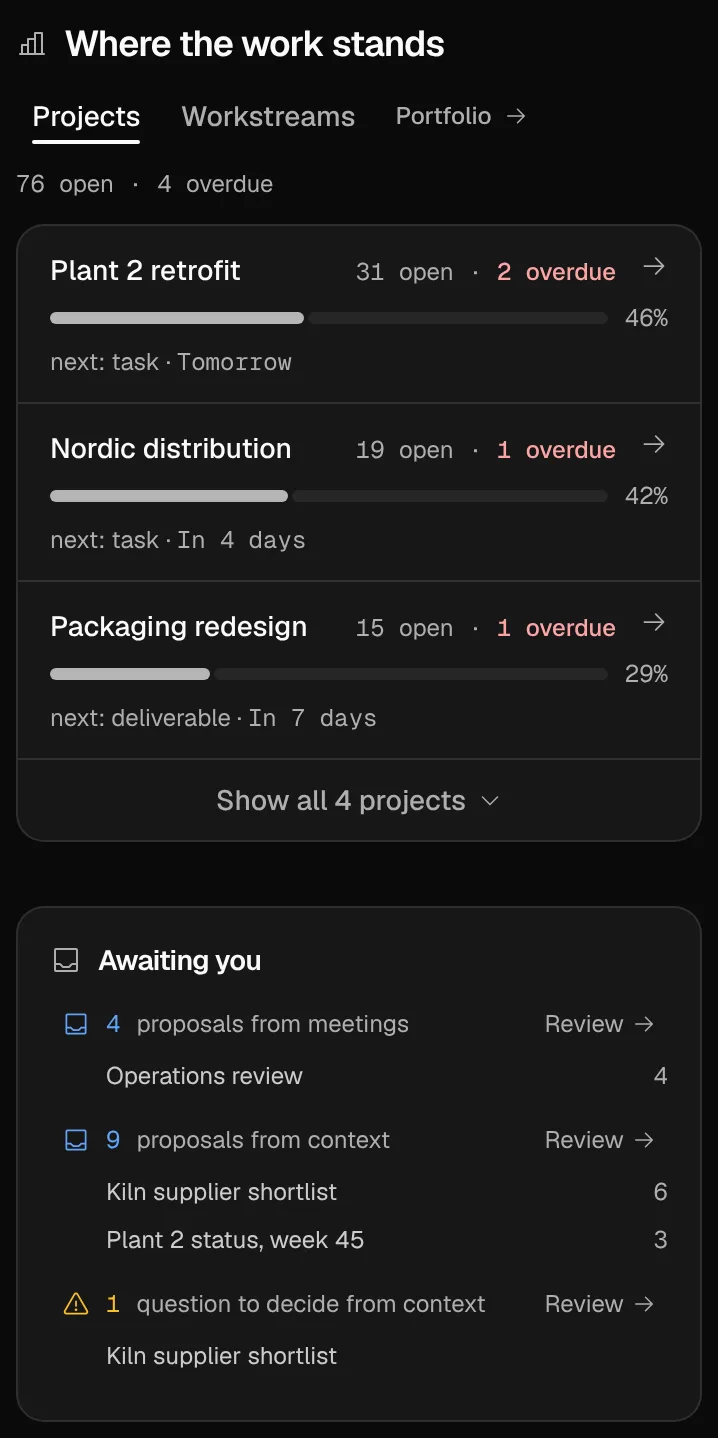
Open it and see where everything stands: your next moves, the road to the next milestone, what waits on your review, who needs attention and how each project is doing.
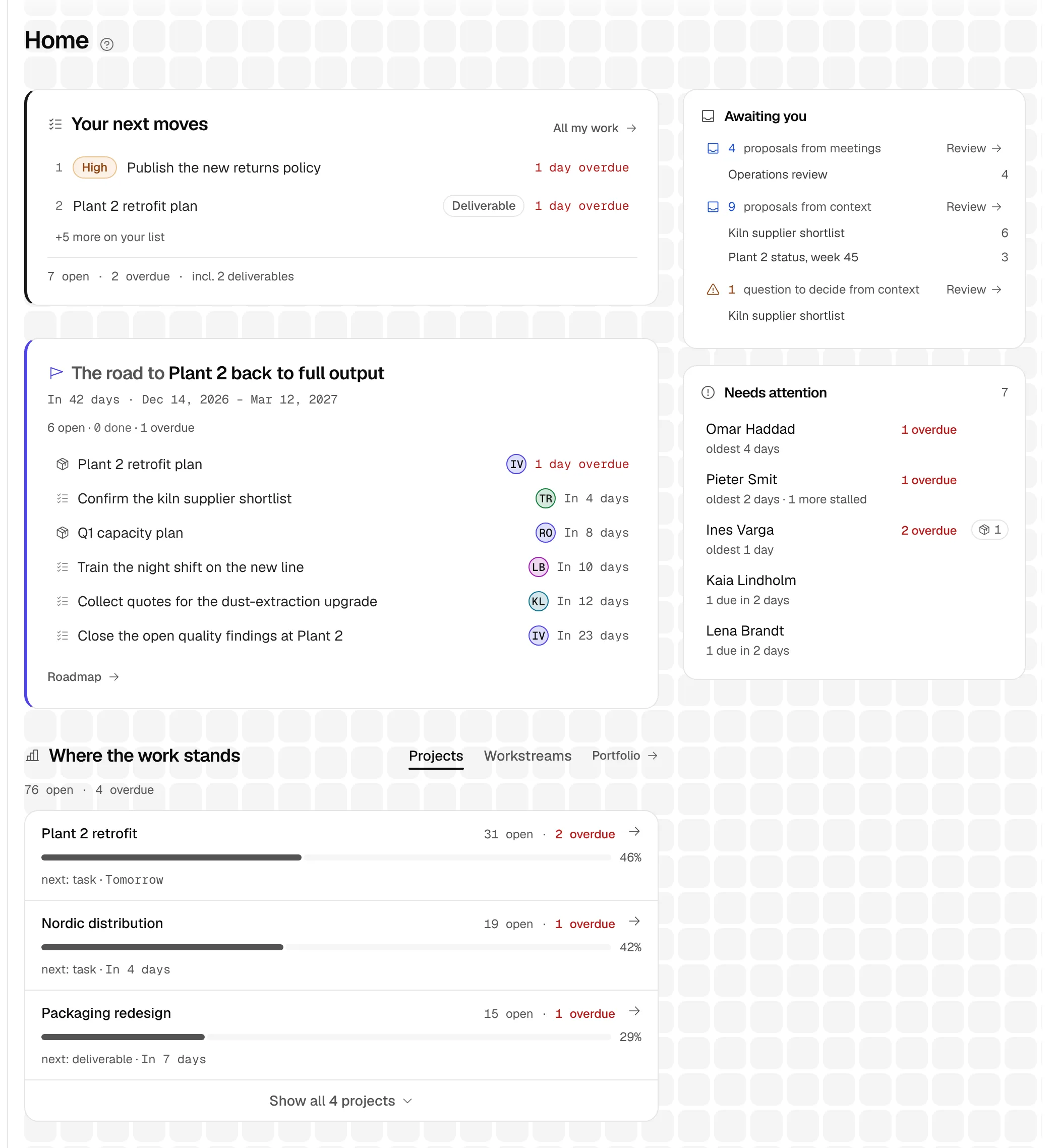
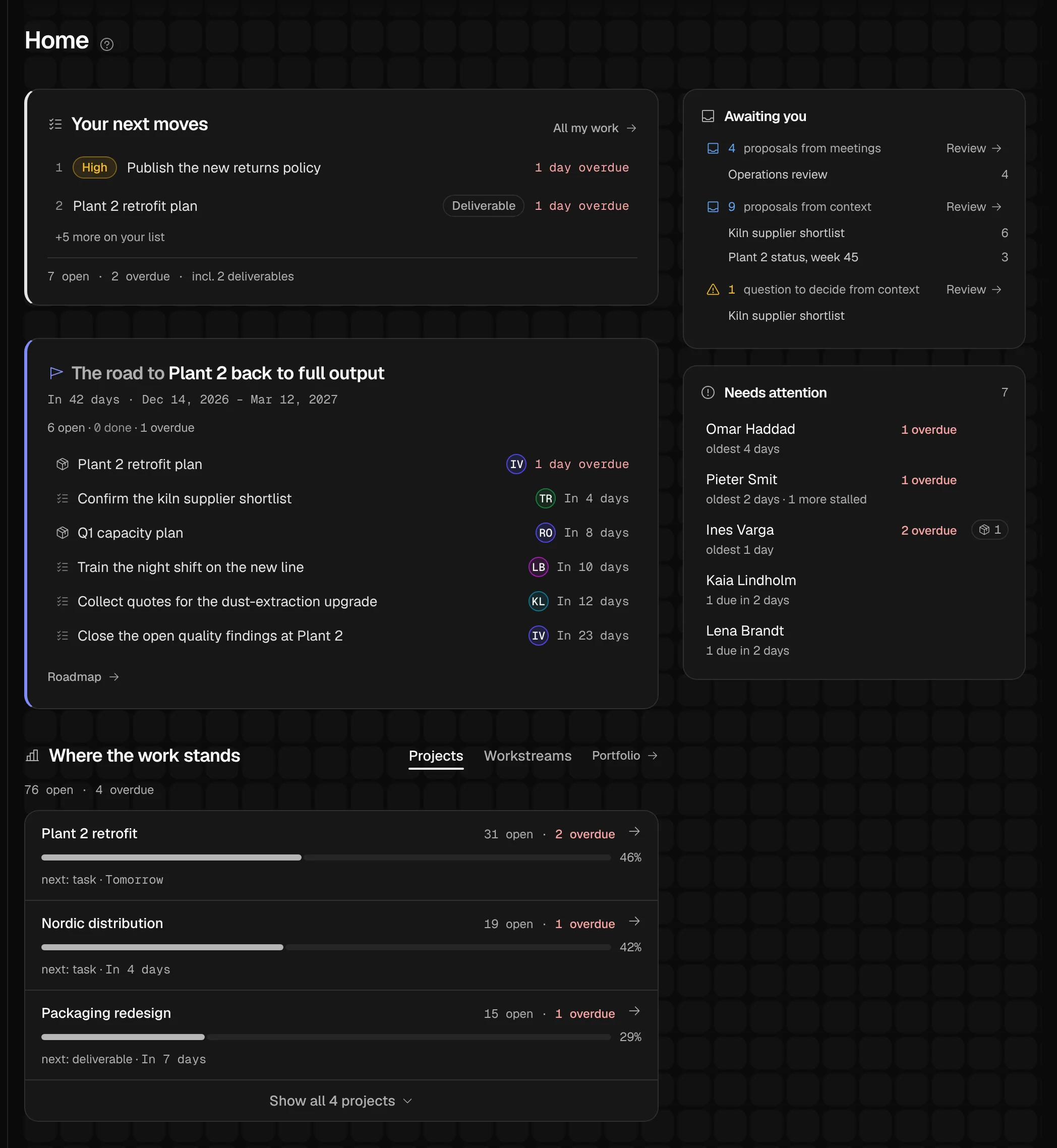
What your team shares — a meeting, a thread, a chat, a file — comes back as proposed changes to the shared record, each checked against what the record already holds. You approve, correct or dismiss them; the platform applies only a few routine updates itself, and an approved change can be undone from the ledger.


A prep the afternoon before each session you are in, with who brings what, and, once its record is in, a recap drafted for you to check and send.


Search finds the tasks, decisions, meetings and people you can see; the people directory finds a person by organisation or title.


The same workspace, laid out for a phone and installable on its home screen.


What goes in
What your company already says, as it says it.
Nothing is retyped: each source is read as it arrives, and what it changes comes back as proposals for your team.
- Recorded meetingsconnected, attached or pasted
- Forwarded emailthe whole thread, not just the last reply
- Group chat exportsone chat app’s export today, read message by message
- Pasted transcriptsfrom anywhere at all
- Documents, decks and sheetscomments, speaker notes, cell values
- Shared file linksa link to a file on a host the platform reads, in place of the attachment
- The tracker sheetthe one somebody already maintains
What comes out
Each person briefed from the same record.
- Monday’s priorities at 07:00, in each member’s own time zone.
- Friday’s recap of what shipped, at 16:00.
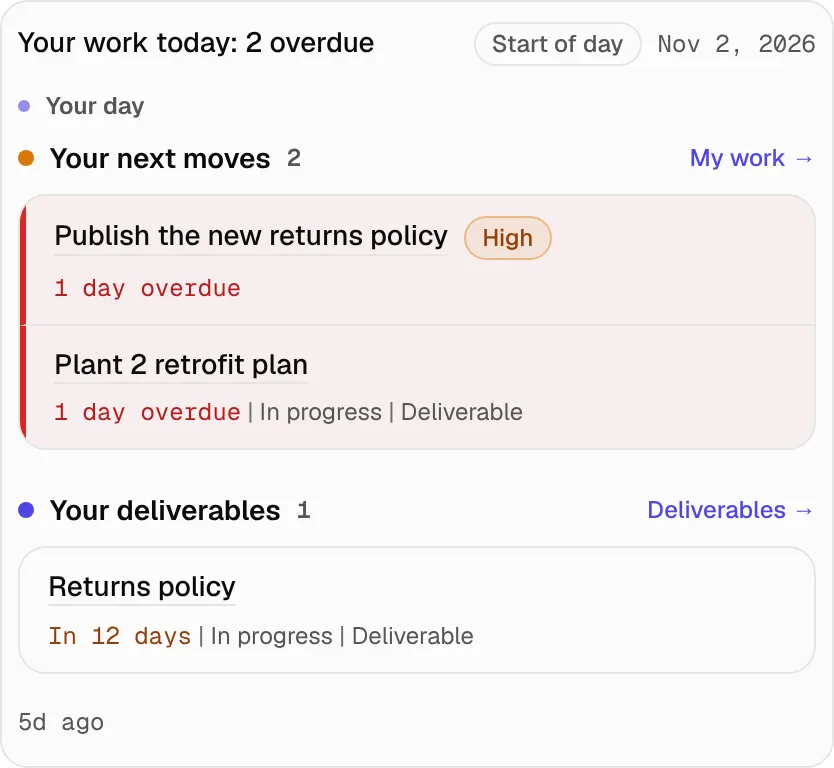
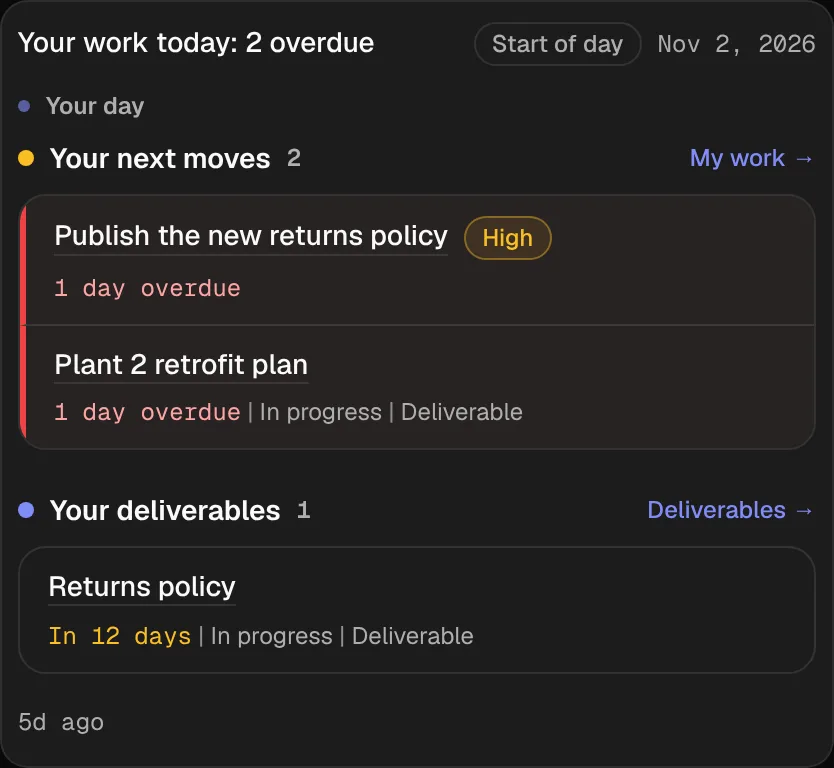
- A start of day with the work you owe.
- A prep the afternoon before each session you are in.
- A recap of each meeting it reads, drafted for you to send.
Your own AI
Agents work through the member who connects them.
Members connect the assistants they already use — through a consent screen or a personal token.